Care Doctor
How to Prepare for a Telehealth Visit: Format, Callback Number, Device and Privacy

Before a telehealth visit, settle five things: the format of the visit, the log-in steps, the number to call if the connection fails, a device you have tested, and a private place to sit. Then write down the one question you most want answered. The HHS telehealth guidance for patients covers most of this, and the Indian Health Service (IHS) notes that services vary from clinic to clinic.
Picture a hypothetical clinic that sends a text with a link, a portal message with a form, and a reminder call. That is three contacts for one visit, and only one may explain how to start. HHS says providers may remind you by text, email, phone call or patient portal message, and some visits come with forms or directions for starting. Read each message ahead of time, finish any form, and save the one with the link. Separately, the HHS privacy page says that if you are not certain about someone who says they are a health care provider, you should call your regular provider's office on the number you usually use to confirm.
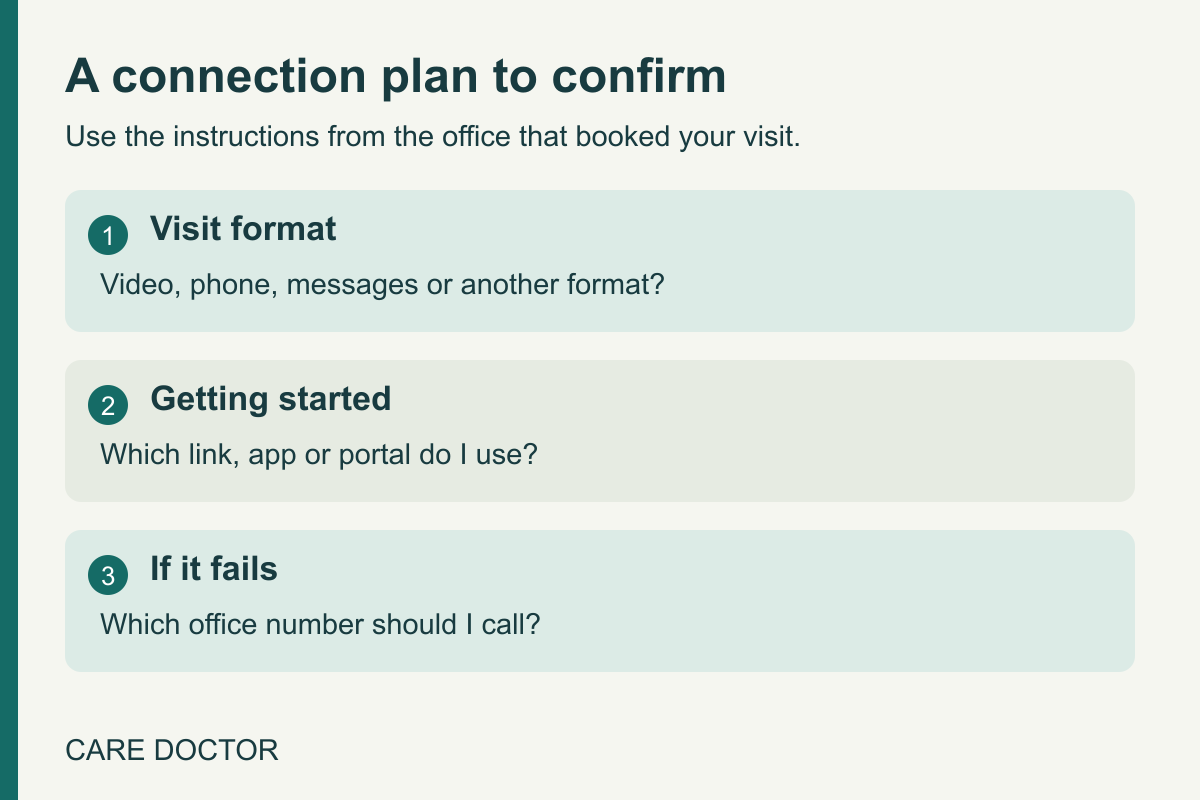
Is this a video call, a phone call or something else?
Telehealth covers more than video. The IHS patient FAQ describes it as care when you and the provider are not in the same place at the same time, whether by live phone or video call, secure messages, or remote monitoring at home. IHS also says your provider decides whether telehealth is right for your health needs. Ask the scheduler which format you have booked, who starts it, and what the visit can cover.
What number do I call if the video fails?
HHS advises signing on early so that, if the video will not start, you can message your provider or call the office. That helps only if you have the right number. When you confirm the visit, ask which number to call if the link will not open or the connection drops, and whether the clinician will call you back or expects you to rejoin the link.
Ask about the backup as well. IHS says that if a video visit will not work, your provider may ask you to switch to a phone visit or come into the clinic. HHS says that if you do not have a computer, tablet or smartphone, you can ask your provider about a phone call for the visit. If you have no internet access, HHS also suggests asking about a phone call, and notes that it may not work for every health problem, so ask whether it is okay for your visit. Write the answer beside the link.
How do I test my device and the call controls?
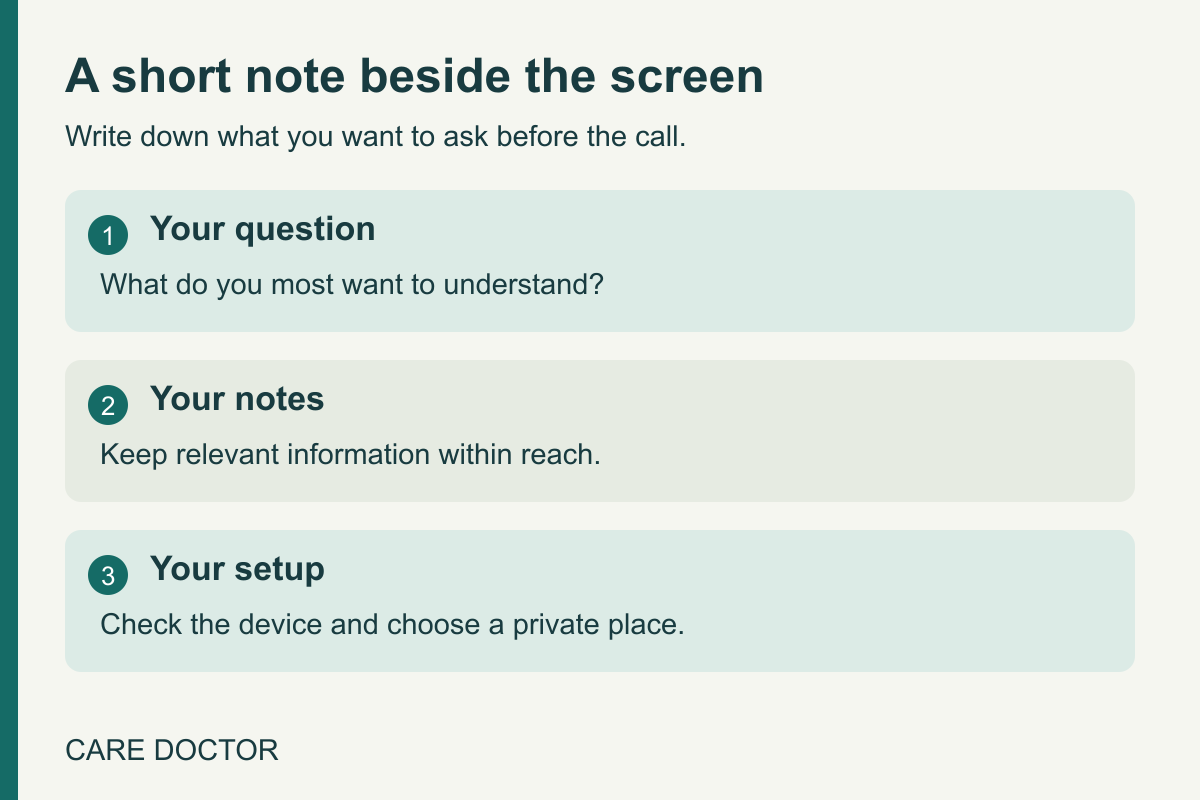
HHS says most visits need internet and a device with video and sound, such as a smartphone, computer or tablet. Before the visit, the HHS telehealth guidance on preparing for a visit asks you to make sure your internet and device work well, and notes that sometimes a member of the provider's team helps you test, so ask whether your clinic offers that. The same page lists further checks for after you log in: test your speakers or earphones and adjust the volume if needed, and shut down other things on your device, which can make your internet faster and keep you from being distracted.
Once you log in, HHS names four buttons to find. A slash through the camera button means your provider cannot see you, and a slash through the microphone button means your provider cannot hear you. The chat button opens a box for typing to your provider, and a usually red button ends the visit. Sit with your face centered, the camera near eye level and the device steady.
Who do I ask about accessibility, language or cost?
HHS says to tell your provider if you need support such as a screen reader or closed captioning. IHS says patients with needs such as deafness, autism, neurological challenges or not speaking English may benefit from telehealth, and advises checking with the local facility on whether their needs can be met. Ask the office early enough for any support to be arranged.
Ask about cost too. HHS says to find out how much the visit will cost before it happens, and that your provider may know of local resources if you cannot afford the visit or have no health insurance. The cost depends on your insurance status and coverage, so confirm the amount with the clinic and your insurer.
Where should I sit during the visit?
HHS recommends a quiet place with good internet access where you are comfortable and can talk openly. Its list includes a quiet room at home, a private spot in a community space or library, a parked car in a quiet place, a quiet room at a friend's home, or a quiet outdoor spot away from crowds. IHS adds that privacy at home may depend on who else is there.
Shared networks raise a separate question. The HHS privacy page lists a library as a good spot, especially if you need free internet, and also says not to use free or public internet when sharing health information. Because those two points pull against each other, ask the clinic which setup it recommends if a shared network is your only option. HHS also suggests using your own device when you can, and says not to take a visit while driving or running errands.
How do I keep my notes and questions short?
HHS suggests writing down what you want to discuss and keeping paper and a pen close for notes. Its examples are the medicines you take and how much, any problems, worries or questions, readings such as temperature, weight, blood pressure or blood sugar, and allergies to food or medicine.
Now narrow it. Say your page holds a medicine list, a recorded reading, a form to fill out and one worry. Pick the item you would most regret leaving unasked and write it as a single sentence the clinician can answer. Put it at the top of the page and ask it first.
HHS says to ask your provider to explain anything that is unclear and that you may decline to answer something you would rather not share. It also says to ask afterward for a summary or notes, which can include answers to your questions. If you have more questions than the call can hold, ask the top one first and ask the office how to send the rest.
When is this preparation not enough?
A long list can turn a simple explanation into too many questions for a short call, and preparation cannot supply a missing device or a private room. If either is a problem, ask the office what other format it can offer. Whether telehealth suits your health problem is the provider's decision.
What should I carry into the call?
Keep the cost, format, log-in message, callback number and backup answer in one place, with your one question above them.