Care Doctor
A More Comfortable Home Office Starts With How You Use It
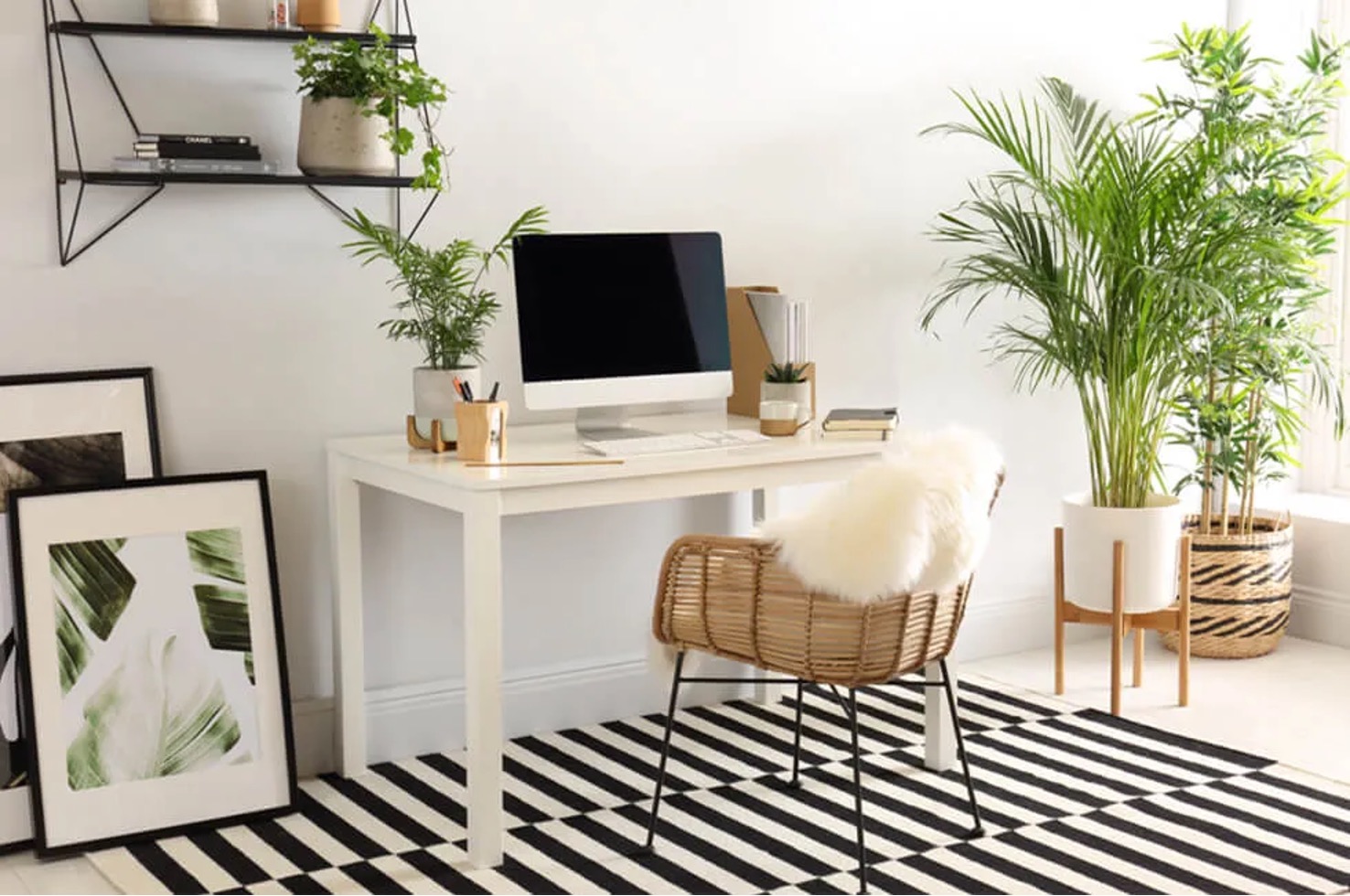
Where does the light hit your screen, and how far do you reach for the keyboard? Those details can matter more during a working day than how the desk looks in a photograph.
Before buying another accessory, sit in the space you use. Check whether your feet rest comfortably and whether the things you need are within reach. The ten ideas below offer ways to change that room gradually. You do not need a complete copy of somebody else’s office to make a useful adjustment to your own.
1. Put the view beside the screen
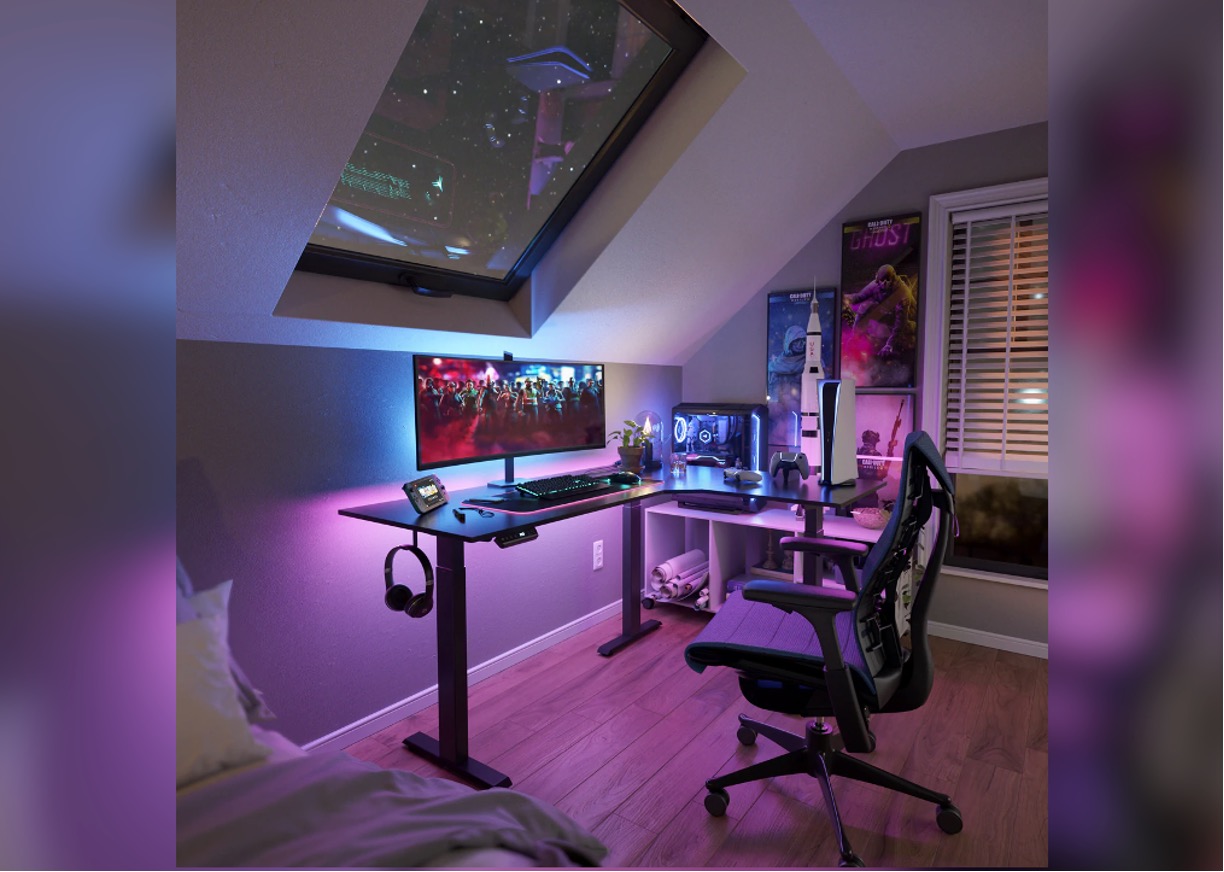
Check the desk during your normal working hours. Morning light and afternoon light may fall very differently, leaving a screen that was easy to see in glare later on.
A window can be pleasant without sitting directly behind the monitor. Try another angle for the desk or screen, and use blinds or curtains to manage brightness. Start with a small move before assuming the answer is a skylight or a separate office. The room you have may allow a better position than the first one you tried.
2. Choose colors you enjoy
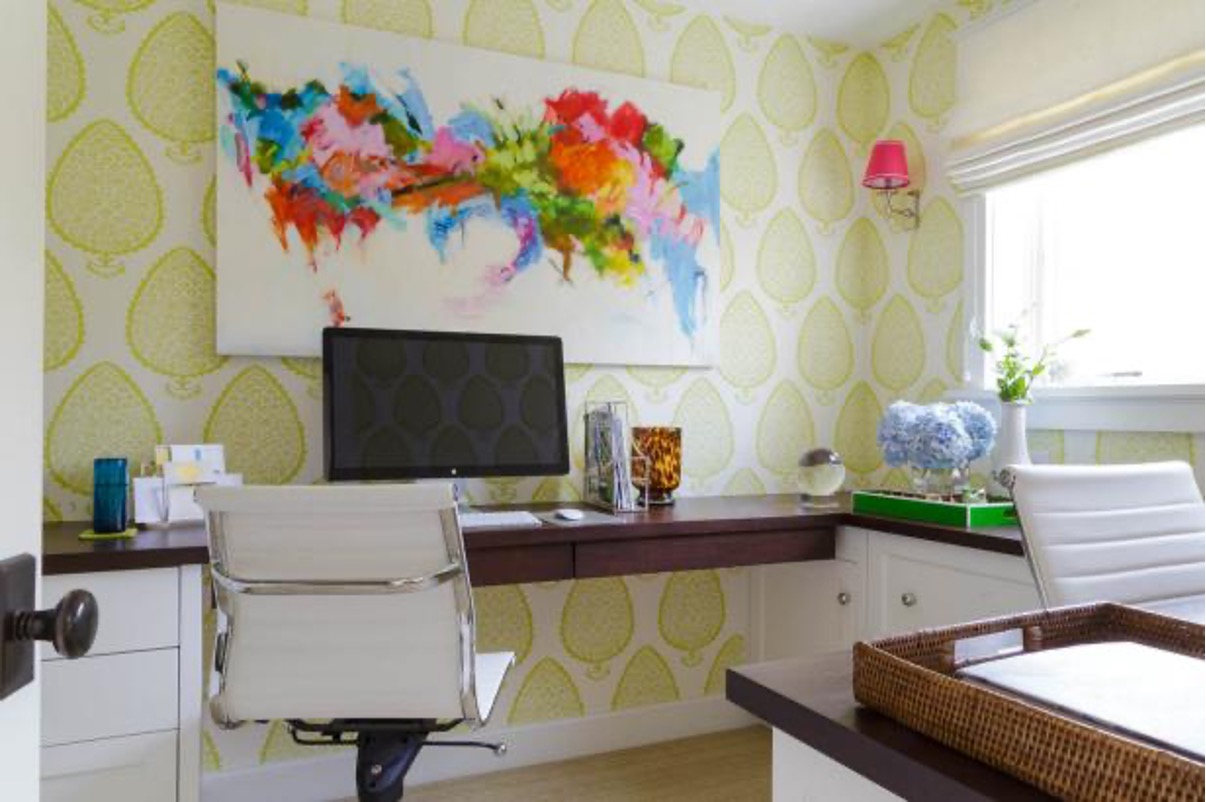
You might want a picture nearby, a different wall color or a familiar object on the shelf. Choose what you enjoy seeing. A rule that one shade will make you productive is not a necessary part of decorating.
Check the practical side too: can the task light still do its job, and is there space on the desk? Daylight from a window can be pleasant without being given a medical benefit. Through ordinary window glass, it is not a dependable way to get vitamin D. The light and view can be enough.
3. Arrange the tools around the work
Try an ordinary task and watch the reaching it requires. Are you leaning towards the keyboard, lifting your shoulders or twisting for paperwork? The answer can show which frequently used items need moving.
Make a list of those items, including a phone, notebook or job-specific tool as well as the mouse and keyboard. Put them where you can reach comfortably. For equipment and posture ideas, start with OSHA’s workstation guidance. The setup still needs to fit its user, so try the arrangement rather than assuming a diagram settles it.
4. Make room for a drink and a break
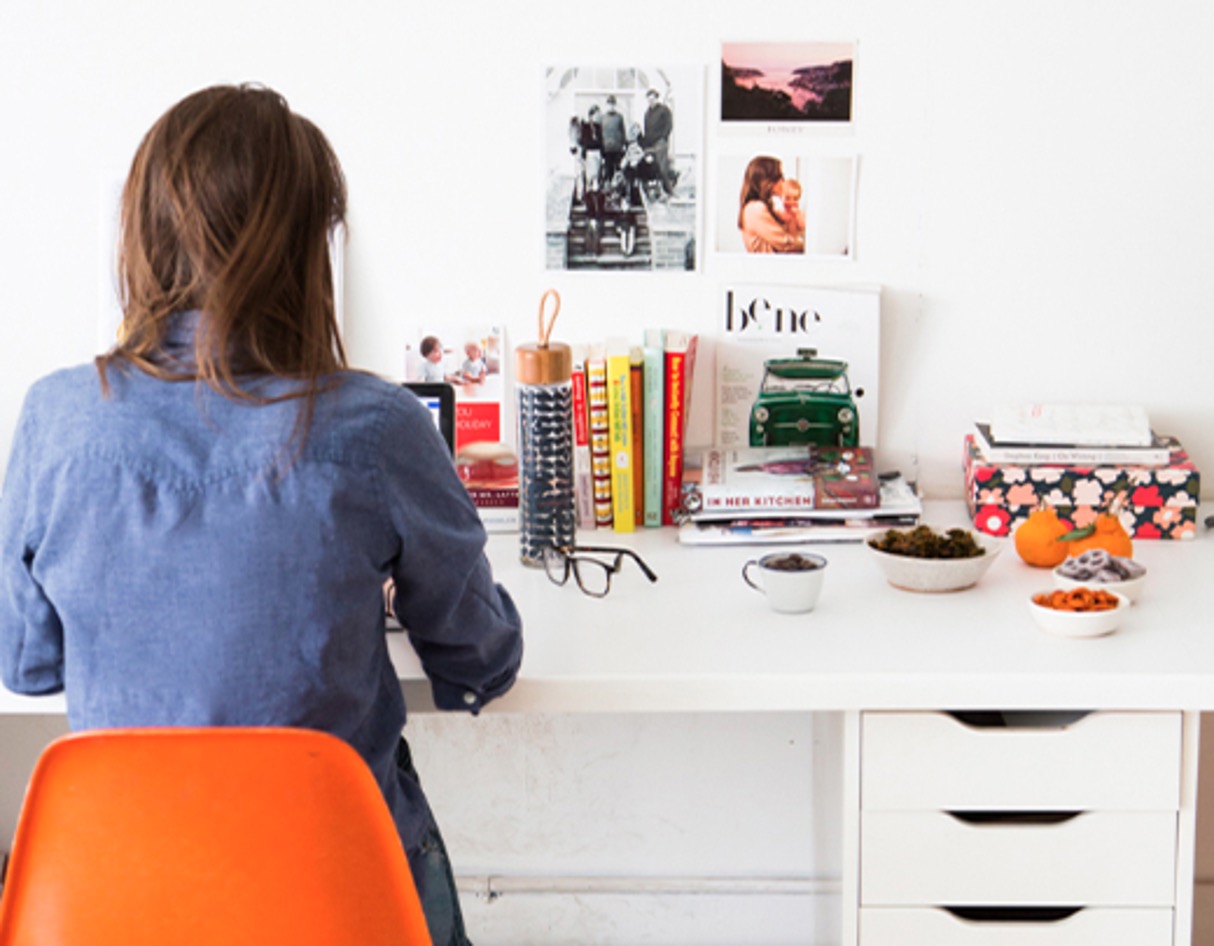
Keep water somewhere stable, away from electronics and papers. If you want snacks nearby, give them a separate place rather than balancing food among charging cables.
A coffee machine or mini fridge is optional, not a requirement for working well. Getting up to make a drink can also be an opportunity to move. Think about what helps your routine instead of filling the room with appliances because there's an empty corner.
5. Choose seating for the task
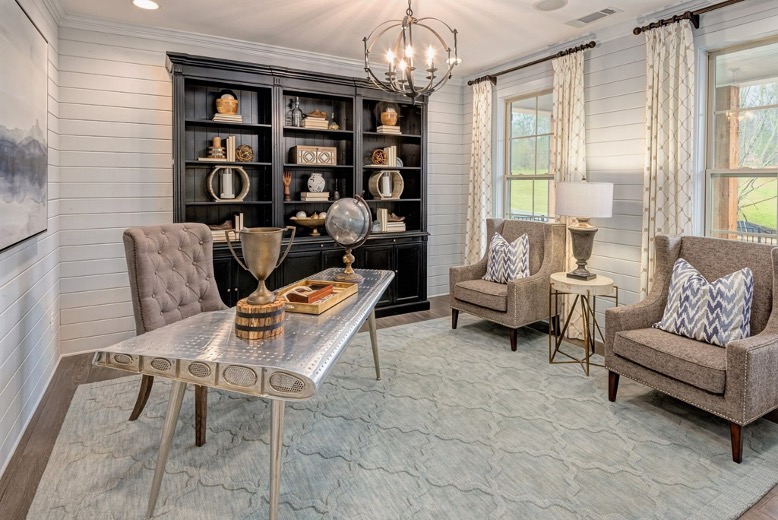
Seating for reading need not be the same as seating for a day at the keyboard. A separate chair can offer a change of position and a place to pause away from the desk.
For sustained computer work, consider fit and support. A lounge chair’s appearance does not tell you whether it works at desk height. Watch for wrists held bent or shoulders lifted while typing. If that is happening, change the arrangement rather than relying on yourself to tolerate it for hours.
6. Give paperwork somewhere to go
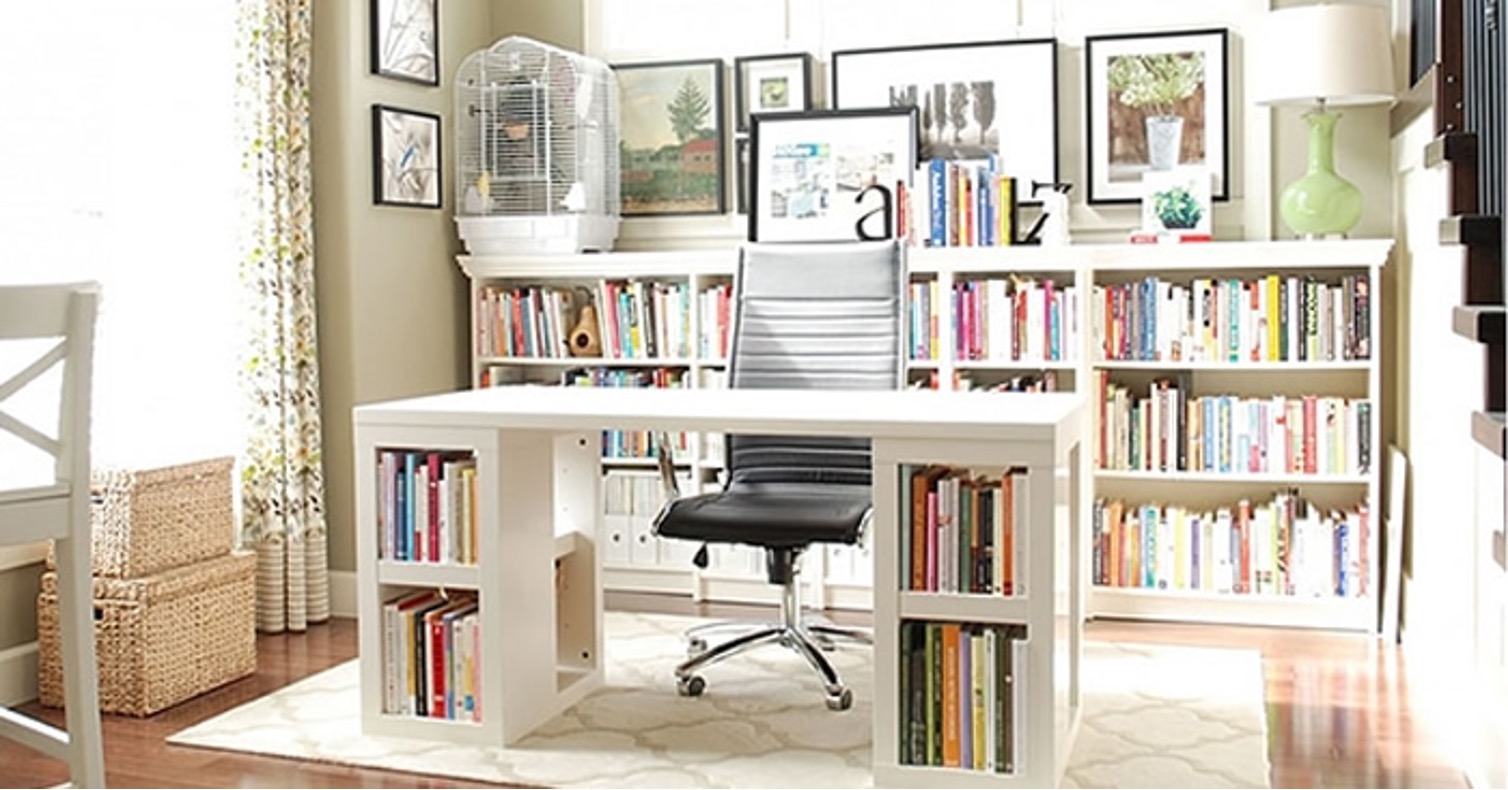
Tomorrow’s first task is easier to find if you know where today’s work went. Set aside a shelf, drawer or labeled folder for the papers you need, using the actual amount as a guide to how much storage to arrange.
An end-of-day clear-up can be brief. The aim is to locate what matters, not to make the desk completely bare. Check security too when the room is shared. Personal papers and work-sensitive material should not be left available simply because the folder is neatly labeled.
7. Support your feet and change position
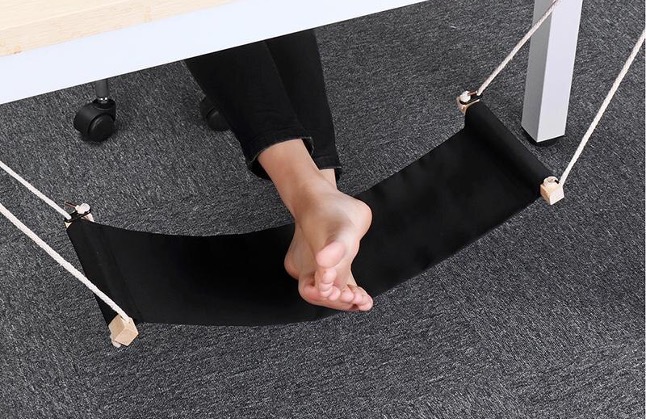
Check foot support after setting the chair to work with the desk. A suitable footrest is one option when the floor is too far away. Try that rather than balancing on the seat’s edge.
Then look beyond the furniture. Change position and make room to move when possible; no accessory solves the problem of staying still all day. Persistent discomfort deserves an assessment, not an assumption that another product will treat it. Sudden or unexplained symptoms should be discussed through appropriate medical care.
8. Buy technology for a specific need
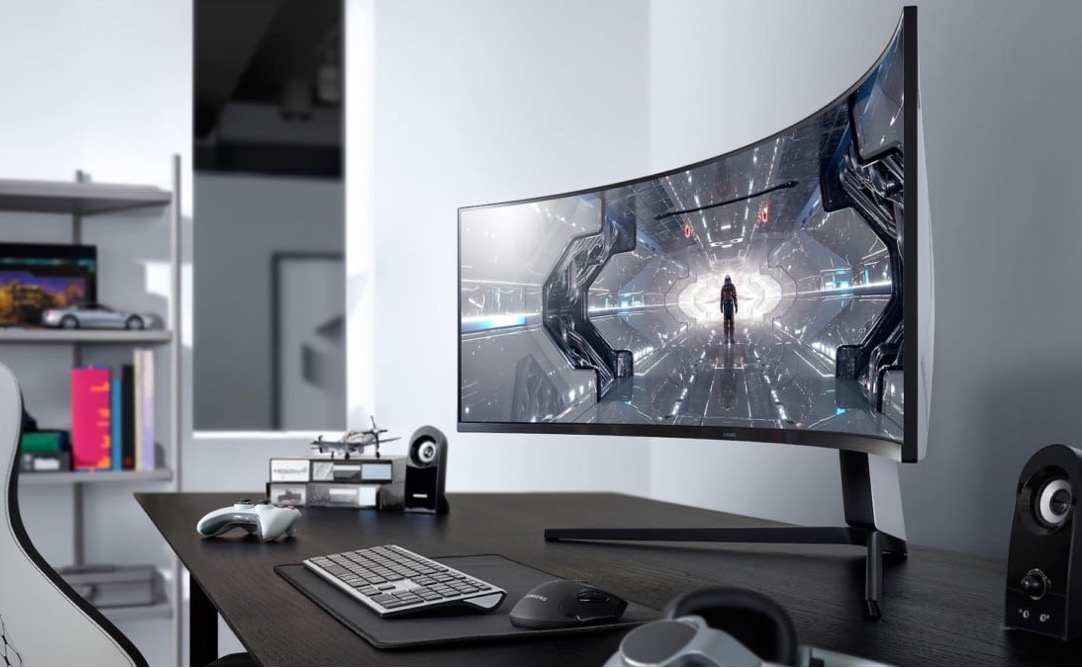
Start with the problem before choosing the device. A headset, separate keyboard or bigger display may suit a particular task. An extra screen can save changing between documents, provided there is a comfortable place to view it.
Make room for safe connections too. Cables should not catch a foot or drag equipment off a surface. Follow the electrical and charging directions and do not overload outlets. You should also be able to unplug things when needed. The appearance of a tidy desk is only one part of the check.
9. Keep a place for plans
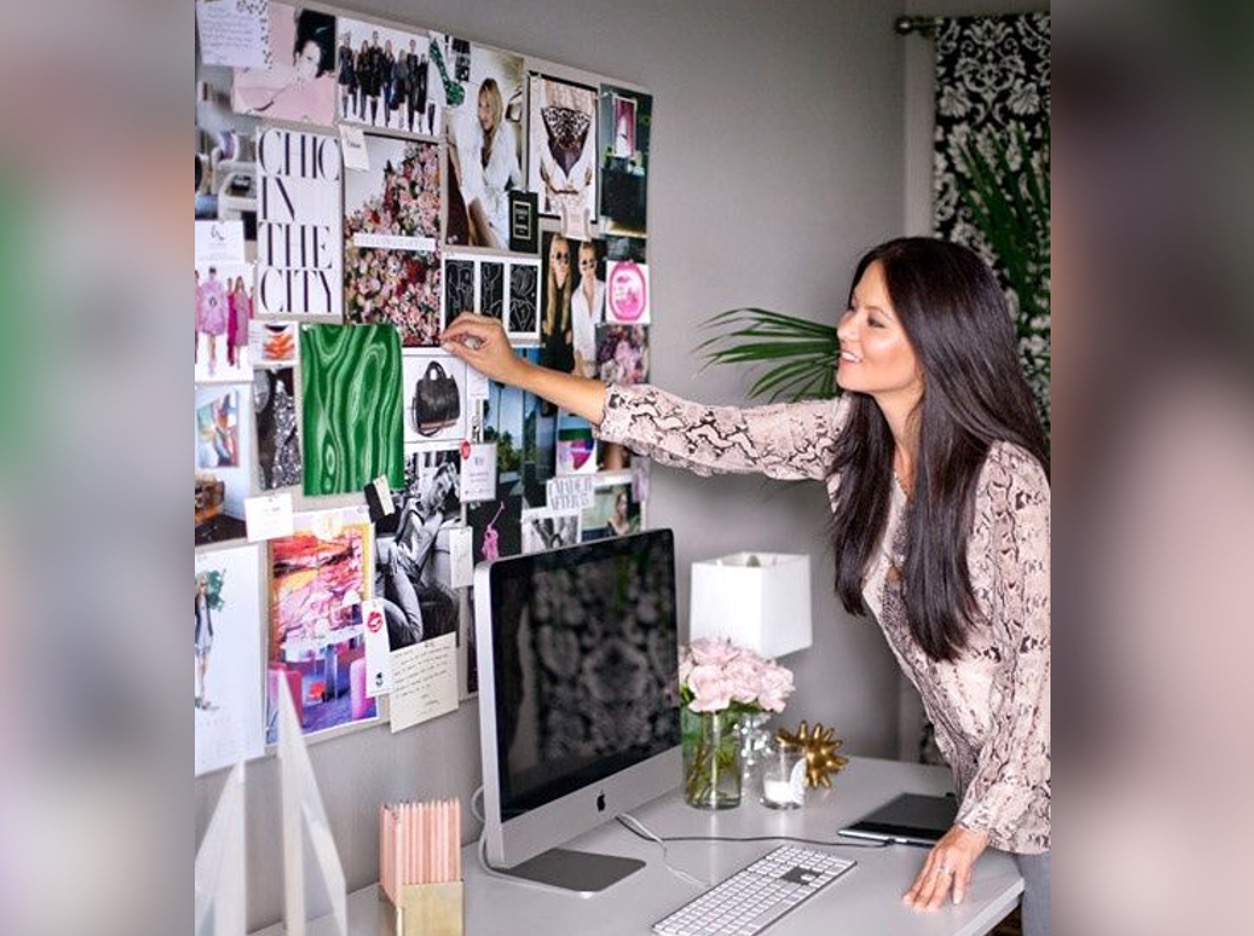
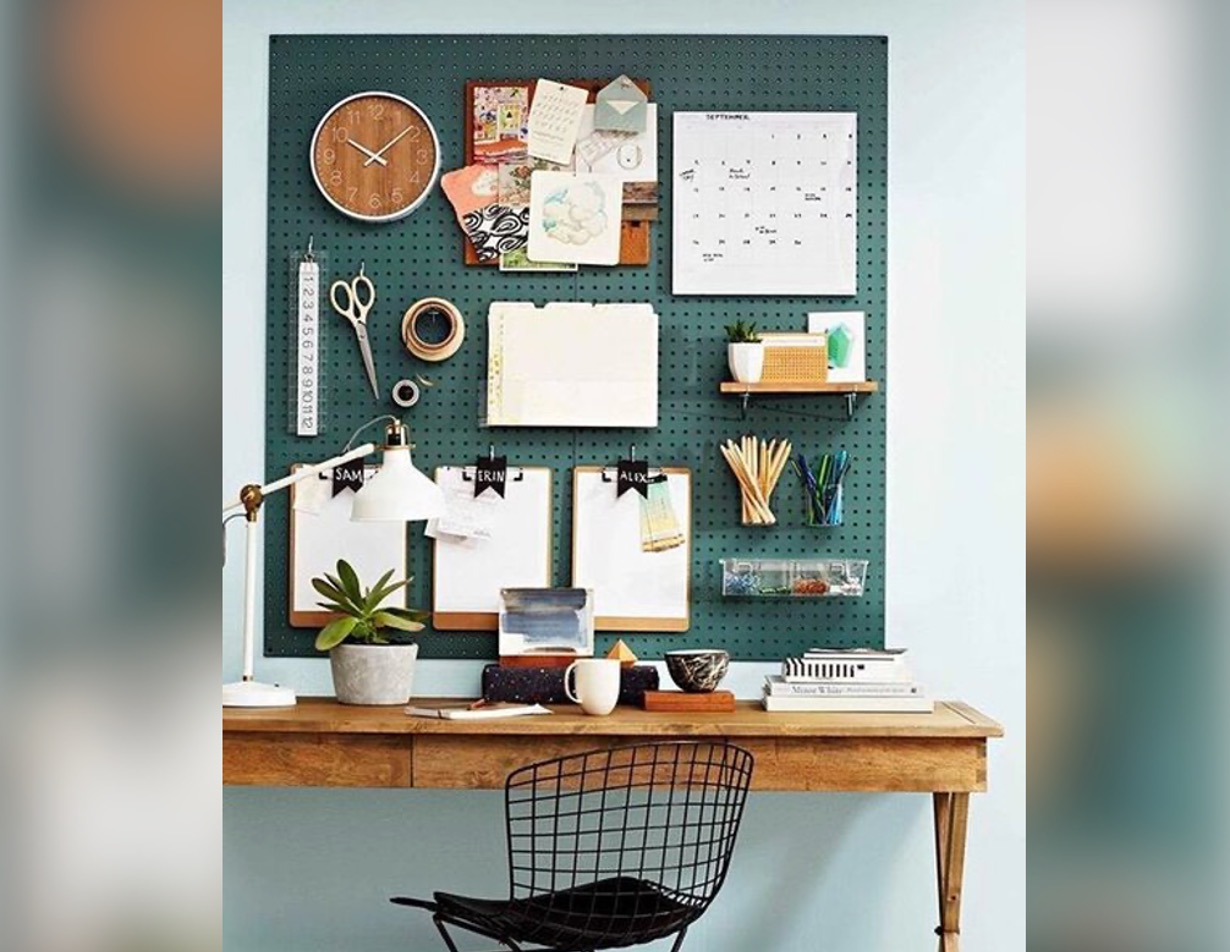
Try a notebook if a noticeboard feels like another thing to maintain. A small task list can also keep the next action within reach, without putting your plans on display.
A board is useful if you enjoy one. Pin up a reminder, project sketch or something to look forward to, then remove it when it stops being relevant. The point is to remember what comes next. Displaying an ambition is optional.
10. Leave some space on the desk
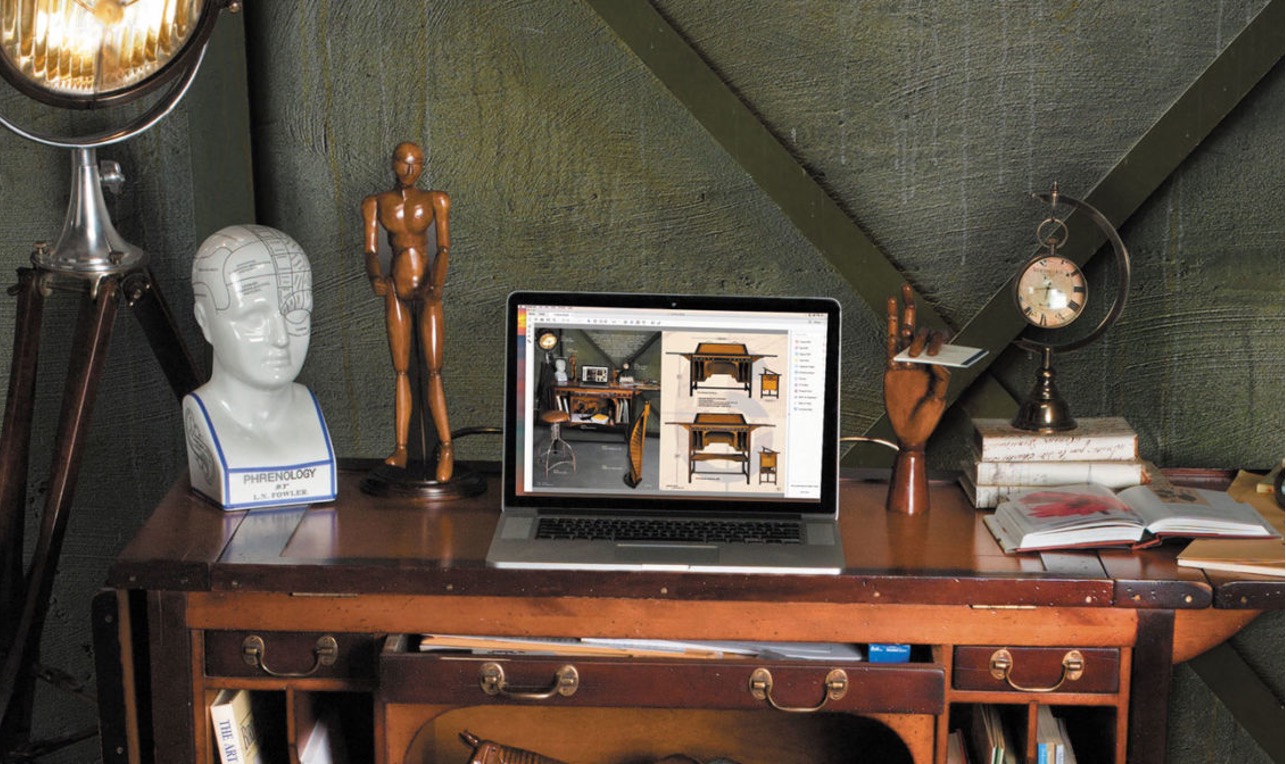
Can you start work without shifting the decorations? A lamp or photo can make the surface pleasant, but the keyboard, mouse and current task need room too.
Try leaving more of the desk available and use it that way for a few days. You can then see what is missing before buying anything. The useful arrangement is the one whose pieces work together for you, rather than one that exactly matches a shopping list.