Care Doctor
How to Locate an After-Visit Summary When It Is Missing From Your Portal

Two visits, two portals, one missing page
Take a hypothetical patient, Sam. In the spring, Sam saw a primary care clinic. In the summer, Sam saw a specialist who works in a different health system. Each system has its own portal, its own login and its own menus. Sam wants the written summary of the summer visit to bring to a later appointment. The primary care portal lists a document for the spring visit. The specialist portal shows the summer visit in a list of past appointments, but nothing is attached to it.
It is tempting to conclude that the summer paperwork was never made. That may be wrong. A document missing from a portal tells you the portal does not show it. It does not tell you whether the clinic created one.
MedlinePlus says a patient portal may let you view test results, visit summaries and your medical history, including medicines, and it frames each of those as something you may be able to see. For Sam, that means two portals can look quite different, and one may not display a document type the other does.
The same document can go by several names
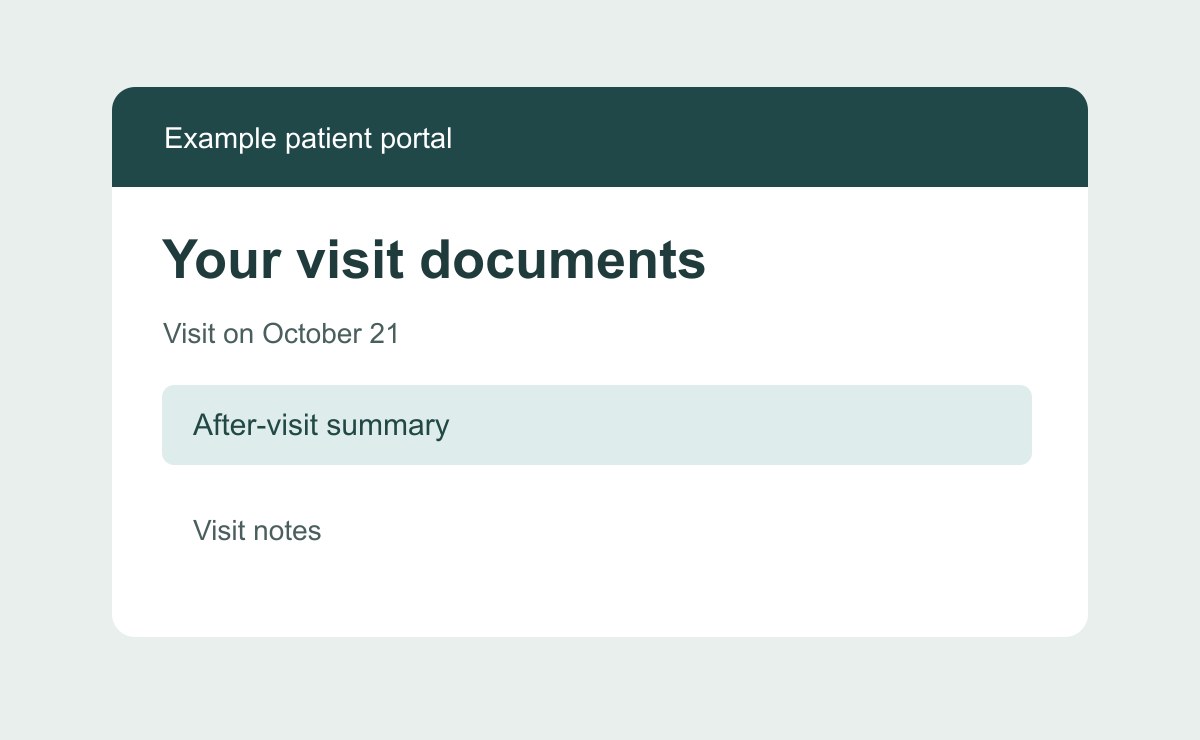
Sam is looking for an after-visit summary, but that is only one label. Depending on the clinic and the software behind its portal, a similar document may appear as a visit summary, clinical summary, encounter summary, or patient instructions. A label does not guarantee contents. One clinic's visit summary may list medicines and follow-up instructions, while another's may be a single page of reminders.
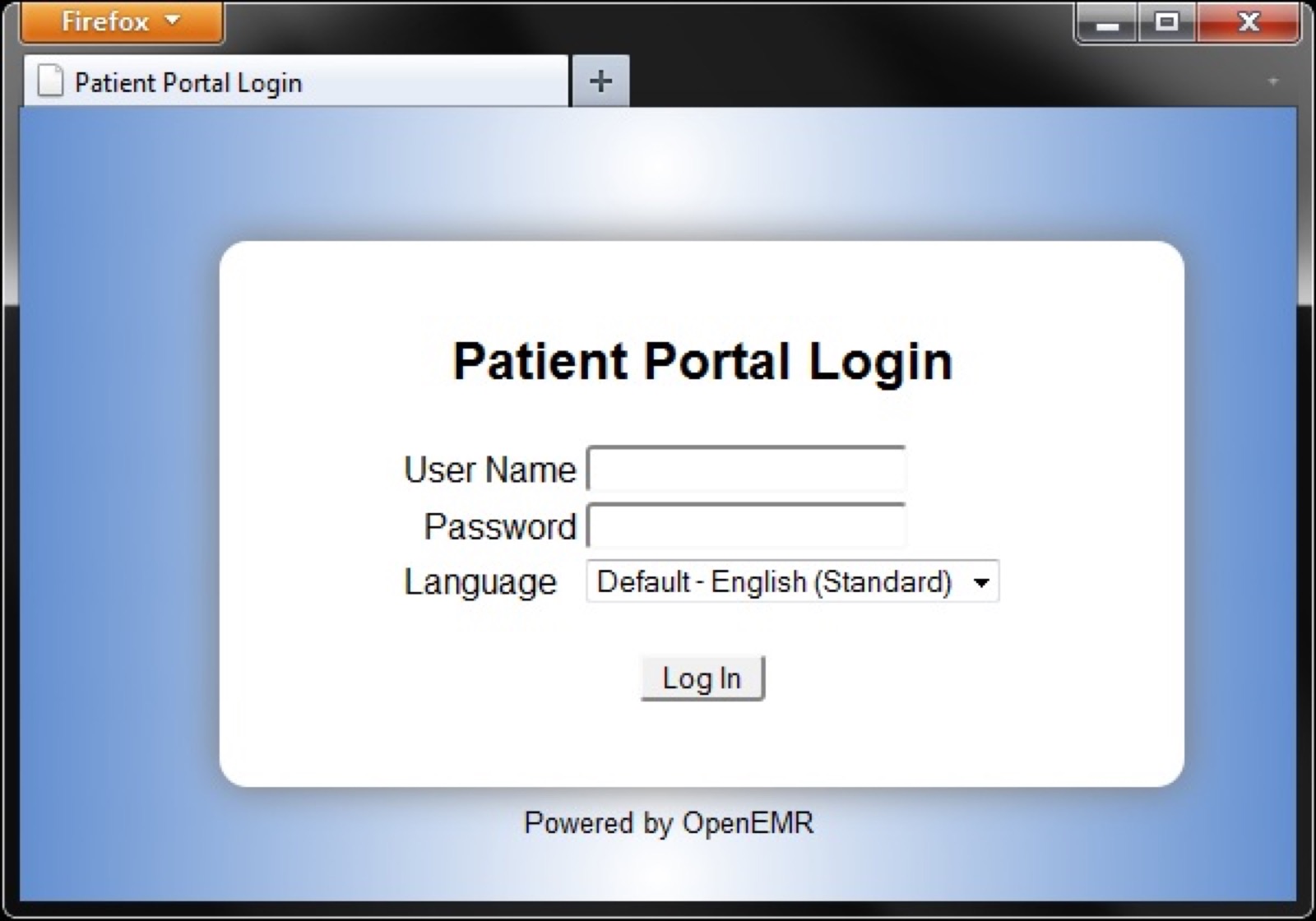
Before searching, pin down the visit rather than the document. Write down four details: the date, the clinician's name, the clinic location or department, and whether the visit was in person, by video or by phone. Those details are the ones most likely to help staff locate the visit, even when the document's name does not match yours.
Then note what you hope the document will tell you: instructions, a medicine list, a test result, a referral. Naming the contents lets the clinic point you to the right document even if it carries another title.
A summary is not the full chart
An after-visit summary is a short document written for a single visit. A medical record, often called a chart, is broader. It can include a clinician's notes, test results, orders, imaging reports and letters between providers, among other things. Which of these a given clinic keeps, and what it calls them, varies.
HHS says that, with exceptions, people can inspect and receive copies of records from covered providers and plans. The exceptions matter. They mean a clinic may handle some material differently, and whether a particular record falls under one is a question for the clinic, not something you can settle from the outside.
The practical point is to ask for the right size of thing. A summary request is narrow and easy to describe. A request for a full chart is broad, and the clinic may have its own form and process for it.
The portal does not settle the question either way. Because portals differ in what they show, what you see on screen reflects what that provider offers through the portal. It is not a statement of what the record contains.
Where to look before you call
Start inside the portal, but look beyond one menu. Because portals vary, a summary may sit under a heading for documents, visits, messages or health records rather than one named for summaries. Open the visit entry itself and see whether anything is attached to it.
Next, confirm you are in the right portal. Sam's summer visit belongs to the specialist's system, so the primary care login is not where it would appear.
Then check anything you received outside the portal: a printed handout, a text or an email from the visit.
If none of that turns it up, a portal and a records request start to differ. The portal is a window the provider chooses to open, and MedlinePlus describes it as a place that may feature items such as visit summaries, medicines and lab results. A records request goes to the office or team that holds the record, often called medical records or health information management, and it can ask for a document the window does not show. Clinics name these teams differently, so ask the front desk who handles requests.
What to say when you call or write
Keep the request to one document and one visit. The script below works by phone or as the opening lines of a message.
Hello. I am a patient, and I am calling about a visit on [date] with [clinician name] at [location or department]. It was an [in-person, video or phone] visit.
I cannot find the after-visit summary for that visit in my portal. Could you tell me whether one was created, and what it is called in your system?
I would like a copy. Which office handles that request, and does it need a form, or can I ask by phone or message?
If the portal cannot show it, how else can it be provided to me, and how will you confirm that you have my request?
Before you hang up, write down the date, the name of the person you spoke with, and what they said happens next. If the clinic needs to verify who you are, answer that. If you are asking for someone else's records, the clinic can explain what it requires.
This takes time, and the objection is fair: a summary may not be worth a phone tree. If the portal already answers your question, stop there. The script is for when the document matters to a later conversation and the portal cannot supply it.
The approach can fail. The clinic may say no summary was created for that type of visit, for example a short phone check-in. It may point you to a form for the full chart, or provide part of a record and handle the rest under an exception, which HHS says exist. A reply like that is still useful. It tells you what exists and who to ask next, and you can then make a narrower request.
What to carry into the appointment
Once you have the document, read it for the visit you meant. Check the date, the clinician and whether it matches the appointment you remember. If something looks wrong or missing, that is a question for the clinician or records team, not a gap to fill by guessing.
Then reduce it to one question. Sam might write: the summer summary lists follow-up instructions, and I want to confirm with the specialist which of them apply to me. One document, one visit and one question give a clinician something to answer.
If your question concerns symptoms or how you feel now, contact the clinician's office directly instead of waiting on paperwork.
What to understand before the appointment: the portal shows what a provider has chosen to offer, a summary is one document inside a larger record, and the clinic's records channel can tell you what exists. Which documents Sam's two clinics actually hold is something only those clinics can say.